
Safety first: what is urgent and what is not
A whole-house surge protective device, often called an SPD, is usually a small box mounted beside or inside the main panel, or a module clipped into the panel. If you see smoke, flames, melted plastic, or smell burning from the panel area, treat it as an electrical fire risk. Call 911, leave the building if the smell is strong, and do not touch the panel. After a lightning strike, the fire department may want to check for hidden heat in walls and attics as well.
If there is no smoke or smell and the device simply shows a red light, a flashing alert or an audible alarm, the situation is urgent but not a rescue. The home is still receiving power. What you have lost is the protection layer. A failed or spent SPD no longer limits surges, so the next lightning event, grid switching event or large appliance cycle could pass directly into the home. That is a reason to schedule a prompt visit, not a reason to panic.
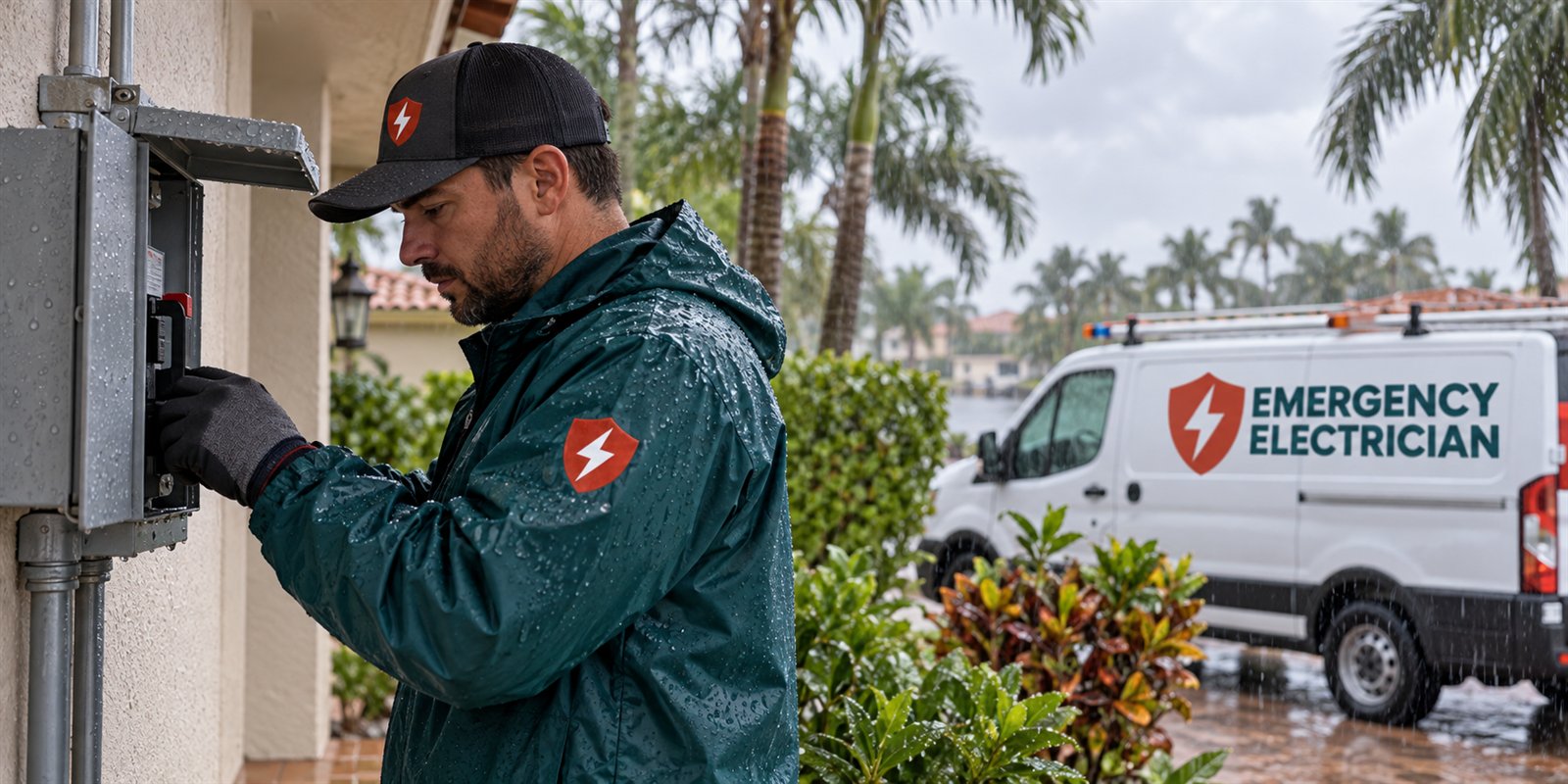
Do not remove the cover of the panel to inspect the device. Do not unplug, pull or cut out a plug-in SPD module yourself, because it sits on live parts inside the panel. If the device is on the outside of the panel and looks scorched, leave it alone, keep children and pets away, and avoid standing on wet ground near it. The right next step is to document what you see and call a qualified electrician.
What the indicator light and alarm are telling you
Most surge devices have a status light or a small display. A steady green light usually means the protection circuit is intact. A red light, an orange light, a dark display, or a flashing pattern typically means that one or more protection components have worn out or failed. Some devices also include an audible alarm that sounds when protection is lost. The exact meaning varies by manufacturer, so the device's label or manual is the final word.
A device that shows a failure indicator has usually absorbed a surge large enough to use up its protection components. These parts are designed to degrade over repeated events. A single large surge can end a device's life, and many smaller ones can do the same over time. That is why a status light that was green last month may be red today.
If the display is simply dark, the cause might be something other than a surge: a loose connection, a tripped breaker that feeds the device, or the device itself having reached the end of its service life. Either way, a dark indicator should be treated as a lack of protection until a technician says otherwise. Take a clear photograph of the indicator and the label.
What happens to a house during a large surge event
A surge is a brief spike in voltage, usually lasting a tiny fraction of a second. In South Florida the typical sources are lightning near the home or the utility lines, utility switching or equipment faults on the grid, and large motors on the property cycling on and off. A direct strike is rare, but a nearby strike can induce a surge in the lines that is large enough to damage equipment.
When a large surge arrives, the SPD diverts as much of the energy as it can to ground. Anything that gets past it reaches the circuits in the house. Sensitive electronics such as televisions, routers, computers, garage door openers, smart thermostats, and the control boards inside air conditioners, refrigerators and washers are the most vulnerable. Damage may be immediate, or may reduce a device's life without an obvious failure.
A strong surge can also damage wiring and devices in the walls, such as electronic dimmers, ground fault outlets and arc fault breakers, and in the worst case can scorch the panel's busbar or insulation. Not every house with a failed SPD has hidden damage, but a failed SPD is a reason to check for it. The sooner problems are found, the easier it is to link them to the event for insurance purposes.
What to check around the house after a surge
After a surge, walk through the home with a notebook or your phone. Look at every electronic device that was plugged in or hardwired. Note which ones do not power on, behave oddly, or show error messages. Check smart home hubs, routers, set-top boxes, garage door openers, thermostats, doorbells, security panels, pool controllers and the control panels on appliances. Check the AC unit and refrigerator for error messages.
Look at outlets and switches for scorch marks, a burning smell or a fishy, hot plastic odor. Check smoke and carbon monoxide alarms, which often reset or chirp after a surge. Test whether ground fault outlets reset, whether any breakers have tripped, and whether any lights are unusually dim, bright or flickering. If lights are very bright, that may point to a different problem, and the page on lights that are extra bright after a surge explains it.
Do not keep trying to power up a device that smells of burning, makes a clicking sound or has visible damage. Unplug it and leave it unplugged. Do not plug a possibly damaged appliance into a different outlet to see whether it works. Keep a list with the make, model and approximate age of each damaged item, and take photographs of the labels.
- Photograph the surge device indicator and its label
- List each electronic item that stopped working or acts strangely
- Note any breakers that tripped or outlets that went dead
- Smell and look at the panel area, outlets and switches for scorching
- Write down the date, time and any lightning or utility outage nearby
Who handles what: utility, electrician, insurer
The electrician handles the property side of the electrical system: the SPD, the panel, the wiring, the breakers and any damaged devices on the circuits. The utility handles the lines and equipment up to the meter. If there was an outage, a flicker or an obviously damaged service line, the utility may want to know. A report to the utility is useful if the surge may have originated on their side, but it does not replace an inspection of your own equipment.
Your insurer may need to hear about any loss from a surge or a lightning strike. Policies differ in how they treat surge damage and what they require for a claim, so read your own policy or ask the insurer directly. Do not assume that a damaged device is covered or not covered. What helps in either case is a clear record: photographs, a list of damaged items, dates, and a written note from the electrician describing what was found.
The electrician does not repair most of the damaged appliances. Those go to the appliance manufacturer, a repair shop or a replacement purchase. The electrician can tell you whether the home wiring and protection are sound so that replacements are not damaged by the same problem. For guidance on documentation, see the page on electrical damage and insurance documents.
What the technician does on the visit
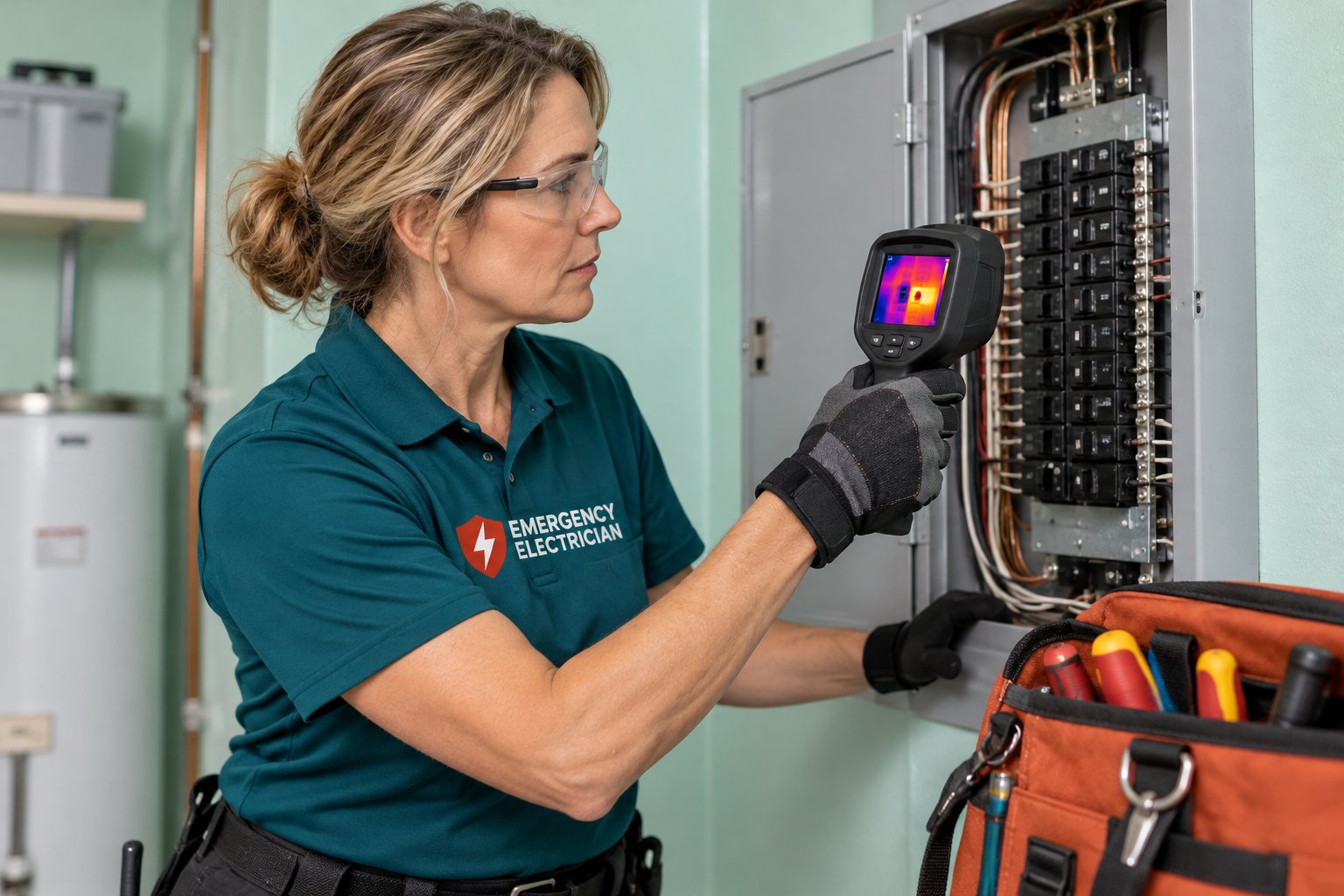
The technician starts with a visual inspection of the panel and the SPD, then switches off power safely before opening anything. They inspect the SPD's connections, its breaker or fuse, its grounding and its lead length, since long or kinked leads reduce protection. They check for heat marks, loose connections, and burned insulation inside the panel. They also confirm that the neutral and ground connections are in good condition, because a poor ground defeats surge protection.
They test voltage at the panel, check the main breaker and branch breakers, and look at any breakers that tripped. If there are signs of a larger fault, they test circuits and devices for damage. They may check receptacles, GFCI and AFCI devices and lighting circuits that serve the areas where equipment was affected. If the surge came through the cable or phone lines, they may discuss whether point-of-use protection is useful there.
If the SPD has failed, it is replaced with a new device sized and installed for the panel. The technician explains what type is appropriate and how it should be wired and grounded, and tests the result. If more damage is found, the technician explains it and describes the repair options. Replacing a surge device does not repair equipment that has already been damaged, but it restores the protection layer for the next event.
Why a surge device does not stop everything
A whole-house SPD reduces the size of a surge. It does not remove every surge, and it cannot protect against a direct lightning strike to the house. Its job is to lower the energy that reaches the circuits, so that the appliances' own internal protection can cope with the remainder. That is why electricians often describe layered protection: a device at the panel plus plug-in protectors for sensitive electronics.
A device also has a finite life. Each surge uses up some of its capacity. In an area with frequent thunderstorms, like South Florida, a protective device can wear out faster than in a calmer climate. A status indicator is the way the device tells you its capacity is gone. A homeowner who never checks the indicator may go for months without protection and not know.
Good habits help. Look at the indicator after every serious thunderstorm or utility event. Keep the label and installation date handy. Ask the electrician at each visit whether the device is healthy. And remember that surge protection does not address sags, outages or brownouts. If the home has frequent flicker or dimming, there may be a wiring issue rather than a surge problem.
Property types and local patterns
Single-family homes in suburban areas such as Coral Springs, Pembroke Pines and Weston often have panels in garages with a surge device on the side, and these see lightning risk from large open skies and overhead utility lines. Older homes in places like Hollywood and Pompano Beach may not have any whole-house protection at all and rely on plug-in strips. Condominium units often have limited access to the building's main equipment, so unit owners depend on point-of-use protection.
Coastal homes and waterfront properties face more corrosion on panel and SPD connections, which can lead to indicator failures that are not surge related. Homes with solar panels, generators or EV chargers have extra equipment that benefits from protection and may have their own surge devices. A failed indicator should prompt a look at all of these.
Summer thunderstorm season brings the largest number of surge events, while hurricane season adds utility switching and restoration surges when power returns. A device that is red after a storm should be replaced before the next one. For the broader picture of terms, see surge versus spike versus outage terms, and for a planning view, when to add a surge device or generator.
Preparing for the call and the visit
When you call, say that the whole-house surge device is showing a failure indicator or alarm, whether there was a storm or an outage, whether anything is burned or smells hot, and which appliances stopped working. Have the brand and model of the device ready if you can see it. If there is no smoke, fire or burning smell, the dispatcher can discuss scheduling with you without treating it as an emergency, but they will tell you if anything you describe needs more urgency.
Quotes are given only by phone. Replacing a failed surge device is often straightforward and can be discussed on the call, but if the panel shows heat damage, or if several circuits are affected, an on-site visit is needed before a firm figure can be given. A service call charge applies and is explained on the phone before anyone is dispatched.
Before the visit, clear access to the panel, keep pets away, and make a list of the equipment that is damaged. Unplug sensitive items that are still working until the protection is restored. When you are ready to restore protection and check the home for hidden damage, call and describe what you have seen.
- If there is smoke, flames or a strong burning smell at the panel, call 911 and leave.
- Photograph the indicator light and the label of the device.
- List and photograph damaged electronics, and unplug questionable ones.
- Leave the panel cover closed and do not touch the device.
- Call and describe the indicator, the storm or outage, and the damage so far.
Questions people ask
The surge device light is red but everything works. Is that urgent?
It is not an emergency if there is no smoke, heat or burning smell, but it should be handled promptly. A red indicator usually means the protection is spent, so the home is exposed to the next surge. Unplug sensitive electronics during storms, avoid touching the device, and schedule a qualified electrician to test and replace it.
Can I replace the surge device myself?
It is not recommended. Whole-house devices connect to live parts at the panel, and a poor connection, a long lead or a wrong ground reduces protection or creates a hazard. A qualified electrician can shut off power safely, install a correctly rated device, and test it so the protection works when the next surge arrives.
Does a failed surge protector mean my appliances are damaged?
Not necessarily. It means the device absorbed a significant event, and some energy may have passed through. Check electronics, appliances and control boards for failure or odd behavior over the next days. Some damage appears later. Keep a list with dates, and ask the electrician whether the wiring and panel show signs of stress.
Will a surge device protect against a direct lightning strike?
No device can promise protection from a direct strike. A whole-house unit reduces the size of surges that reach the circuits, which helps with nearby strikes and utility events. Layered protection, good grounding and plug-in protectors for sensitive items improve the odds. After any strike, have the system inspected.
Should I report a surge to the power company?
It can be useful if there was an outage, a flicker affecting neighbors or a damaged line, since the cause may be on the utility side. A report does not replace an inspection of your own equipment. The electrician checks the property side, and the utility checks the lines up to the meter.
How do I find out the cost of replacing the device?
Quotes are given only by phone. A straightforward replacement can often be discussed over the phone, while a panel that shows heat damage or several affected circuits needs an on-site visit before a firm figure can be given. A service call charge applies and is explained on the phone before anyone is dispatched.
If "Whole-House Surge Device Is Alarming or Failed" matches what is happening, call and describe it plainly: the room, the breaker, any burning smell or tripped circuit. We explain what the repair would involve before a visit is set.
Related pages
- Too-Bright Lights: Lights burning unusually bright can signal overvoltage from a lost neutral. Learn how to protect appliances, what to switch off, and who to call first.
- Power Problem Vocabulary: Surge, spike, sag, brownout, blackout and outage are not the same thing. Learn the terms so you can describe your power problem accurately on a call.
- Nearby Lightning: Lightning hit nearby and now devices are dead. Learn how induced surges travel, which equipment fails first, and when the wiring needs an inspection.
- Appliance Damage: How to triage appliances and electronics after a surge, outage, fire or water event: what to unplug, what to keep off and what to have checked first.
- Surge or Generator: Surge protection and backup power solve different problems. Learn which one fits yours, how each is installed safely, and what to ask before dispatch.
- AC Disconnect Burn: A melted or scorched AC disconnect box outside your home is an electrical hazard. See what to do now, who handles which part, and what to tell the dispatcher.