
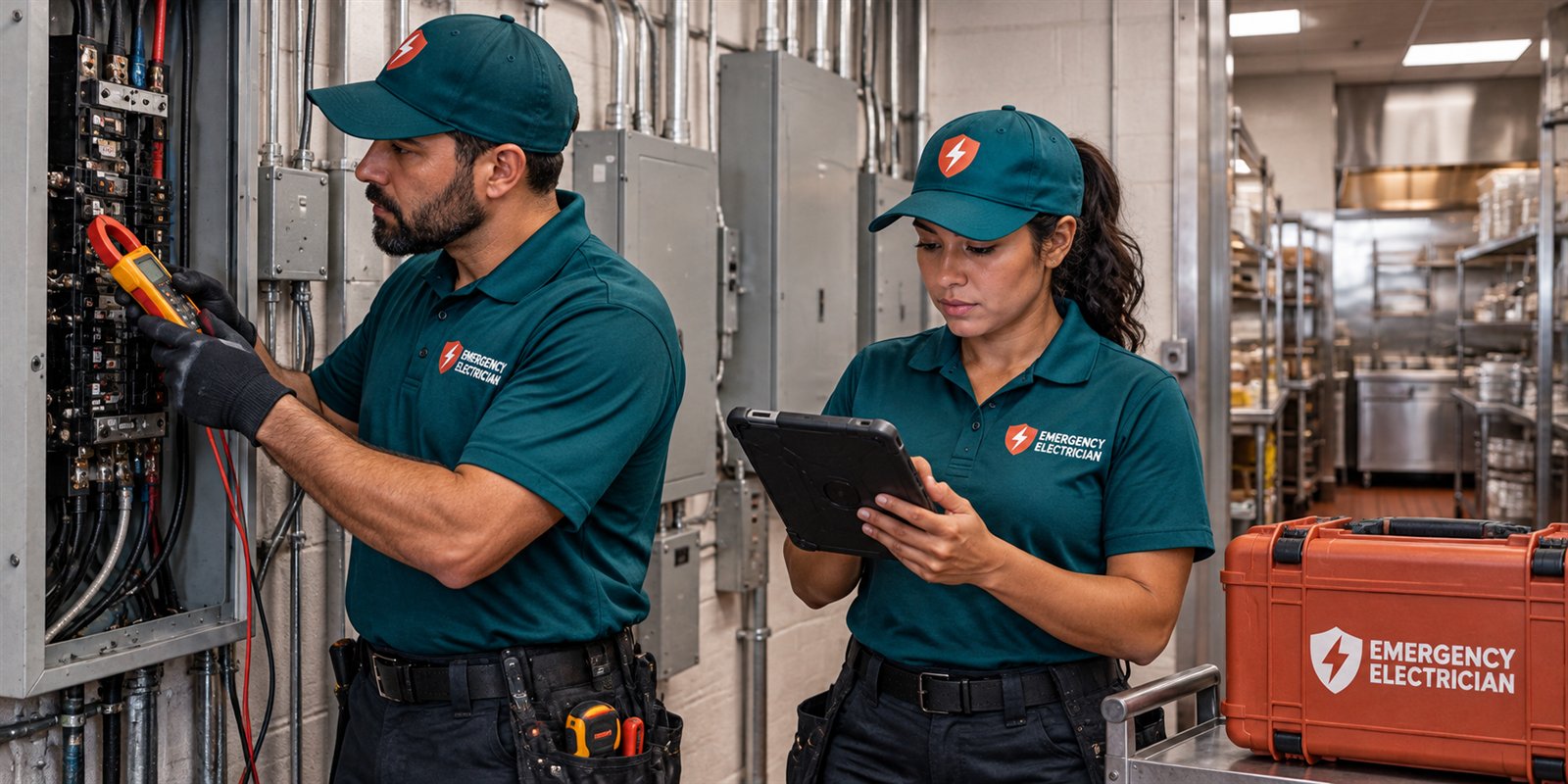
Safety first: when a server room problem is a 911 call
Treat a server room like any other electrical space. If you see smoke, flames, melted plastic, or scorched outlets, or if you smell something burning, call 911 and get everyone out of the suite. Do not stay behind to save equipment, and do not carry on working in a room that smells of hot insulation. Computers can be replaced and data can often be restored from backups, but people cannot be replaced. Once the fire department has made the space safe, an electrician can inspect and find the cause.
The same applies if anyone has received a shock, if there is water on the floor near racks or power strips, or if the ceiling above the room is leaking. Water and energized equipment are a dangerous combination, and the rack, the floor, and a puddle can form a path for current. Do not step into standing water to switch something off. Leave the room, keep others out, and call for help. If it is safe to reach the building's main disconnect without crossing wet floors, shutting it off may be the right step, but only if you already know where it is and the area is dry.
If none of those things are present, you have time to think. The room may simply be dark and silent. That is still urgent for the business, but it allows a calm sequence: check whether the whole building is out, report to the utility if so, then work toward the suite and the closet. The sections below follow that sequence, starting with scope and moving toward the specific circuit that feeds the equipment.

Is the whole building out, or only the server closet
Look at the rest of the office. If every light, outlet, and air handler is dead, and neighboring suites or buildings are dark as well, the problem is most likely upstream of your space. A utility outage, a failed service transformer, a storm-damaged line, or a building main device that has tripped can all do this. Your first call in that case is to the power company, and to the property manager if you lease the suite. An electrician cannot fix the utility's equipment, and you will not save time by calling the wrong party first.
If the rest of the suite is alive but the server room is dead, the fault is narrower. It may be a single breaker, a ground fault device, an outlet strip, or a UPS that has shut down after exhausting its battery. If part of the suite has lost power, such as one side of the floor or all the lights but none of the outlets, the problem is probably in the suite panel or a feeder. Note exactly which areas are affected. That description is among the most useful things you can give a dispatcher, because it tells the electrician where in the system to begin looking.
If you lease the space, find out who owns the panel serving you. In many multi-tenant buildings the tenant panel sits inside the suite, while the building's main distribution equipment is in a shared electrical room that tenants cannot open. The responsibility for each part differs, and a good dispatcher will ask you about it. For more on that division, see tenant and landlord power responsibility.
What a UPS does and does not tell you
Most small offices protect servers, switches, and network gear with an uninterruptible power supply. That unit holds a battery that bridges short gaps and gives equipment time to shut down cleanly. It is useful, but it can also hide an electrical problem. A UPS may report that it is running on battery long before anyone notices a flicker, and it may shut down on schedule without anyone realizing the building power failed hours earlier.
Read the display or the alarm history on the unit, if it has one. A message about input power loss points upstream of the UPS. A message about overload points to too much connected equipment. A message about a bad battery or a battery replacement need points to the unit itself. These readings help separate a building electrical problem from an equipment problem, which determines whether you need an electrician, an IT provider, or the manufacturer's service channel.
Do not open a UPS case. Inside, the battery and capacitors can hold energy even when the unit is unplugged, and lead-acid batteries can leak or vent. Do not bypass a UPS by plugging a rack directly into a wall outlet while the outlet is behaving strangely, and do not plug it into a different circuit that you have not checked. An overloaded or damaged circuit is exactly how a small outage turns into a fire. If the UPS is hot, swollen, or smells sharp or sweet, unplug what you can reach safely from a distance, leave the room, and call the fire department.
Dedicated circuits and why shared circuits fail
A common weakness in small offices is that servers, network switches, a printer, a coffee maker, and a space heater are all fed from the same circuit or from circuits that share a neutral. A dedicated circuit means a breaker and wiring that serve only the equipment in the rack, with nothing else on them. When a closet grows by adding one device at a time, it often ends up on whatever outlet was closest, and that outlet may be on a circuit that also serves a break room.
This matters during an emergency because shared circuits fail in confusing ways. A microwave in the break room can trip the breaker that also feeds the rack. A ground fault protected outlet in a bathroom or kitchen area can trip and take other outlets with it, since several outlets are often wired downstream of one protected device. If your server power vanishes at lunchtime every day, that pattern is a clue worth giving the electrician.
An electrician can trace which breaker feeds each outlet in the closet, check whether the circuit is shared, and look at the wire size and the outlet type in relation to the load. Equipment manufacturers publish the power requirements of their devices, and the receptacle and breaker must suit them. Plugging a larger UPS into an outlet that was designed for a smaller load is a common reason for repeated trips. Whether a new dedicated circuit is needed is a question for an on-site visit, since it depends on the panel, the distance, and the building.
Cooling is an electrical problem too
Server rooms fail from heat as often as from lost power, and the two are linked. Cooling equipment is a heavy electrical load. A mini-split, a portable air conditioner, or a ceiling unit that stops can leave a closed closet reaching a high temperature quickly, and equipment will shut itself down or degrade. When the cooling unit's breaker or disconnect has tripped, the room may still have power but quickly become dangerous to the equipment, even while the lights stay on.
Signs that cooling is the real problem include a room that feels hot when you open the door, fans running loudly in every device, an air conditioner that is silent and warm to the touch, or a unit that keeps cycling on and off. If an outdoor unit or disconnect is involved, remember that these devices are exposed to rain and salt air in South Florida, and corrosion and moisture are common causes of failure. If you see a tripped disconnect, do not keep resetting it. A breaker that trips again is telling you something is wrong, and repeated resets can make damage worse.
An electrician can check the supply circuit, the disconnect, the contactor in the cooling unit, and the wiring for signs of heat or corrosion. A refrigeration or air conditioning technician handles the sealed system and refrigerant side. For a room that is already getting hot, the safest short-term step is to shut down nonessential equipment through the normal software procedures, open the door if it is safe to do so, and move air. Do not place box fans on extension cords across wet or crowded floors.
What not to do in a dark server room
The pressure to restore service pushes people toward shortcuts, and most of them are hazardous. Do not reset a breaker repeatedly. If it has tripped once, a single reset is a reasonable test only if there is no smoke, no burning smell, and no sign of heat at the panel. If it trips again, stop. Do not tape a breaker handle down, do not replace a breaker with a larger one, and do not move heavy loads onto an extension cord to keep things running.
Do not open the electrical panel cover unless you are trained to do so. Panels contain energized parts even when a breaker is off, and the lugs where the main wires attach are live whenever the building has power. The only parts a layperson should touch are the breaker handles and the labels, and only with dry hands and a dry floor. Do not use a power strip as a permanent solution for rack equipment, and do not daisy chain strips together. Chaining multiplies loads on one connector and is a common ignition source.
Do not work on equipment while standing in water, and do not use a wet-dry vacuum in a room where power distribution is exposed. Avoid forcing a UPS to restart if it has already faulted, and do not swap its plug onto another circuit as a trial. If you are uncertain, call. The dispatcher can tell you what is safe to attempt while you wait. For a broader list of dangerous habits during an incident, see what never to do in an electrical emergency.
What to tell the dispatcher before a technician comes
A short, accurate description saves the technician time on arrival. Say whether the whole building, the whole suite, or only the server closet is affected. Say whether the problem began with a storm, a flicker, a bang, a smell, or nothing at all. Describe what trips, if anything: a breaker in a panel, a ground fault outlet, a UPS, or a disconnect. Say when you last added equipment to the room, and whether any heavy appliance shares the circuit.
Tell them if you rent and who owns the panel. Mention whether the panel is in your suite or in a shared room, and whether you have a key. If building management controls access to the electrical room, arrange that before the technician arrives, because a visit that cannot reach the equipment wastes time and costs a service call. Say if there is any life safety concern, such as occupants on the floor, a fire alarm panel that is dark, or exit lights that have failed.
Have a person on site who can authorize work and who knows where equipment is. Quotes are given by phone. Complicated jobs, including anything that involves new circuits or work in a shared room, need an on-site visit, and there is a service call charge, which the dispatcher explains before sending anyone. Knowing that in advance keeps the conversation simple. For a fuller list of useful details, read what to tell the electrician dispatcher.
What a technician will check on arrival
A technician will first confirm that the area is safe, then identify the source of the loss. That usually means looking at the main disconnect for the suite, the panel that feeds the room, the breaker serving the closet, and the receptacle and cord path to the UPS. They will check for tripped or damaged breakers, loose connections, signs of heat at terminals, and discolored outlets. With the equipment shut down, they can take measurements at the outlet and at the panel to see whether the voltage is correct.
Next they look at the load. They will ask what is plugged in and may count the connected devices against the circuit rating. If equipment is installed on a circuit that is shared, they will note it. A loose or corroded connection can cause intermittent trouble, which is hard to recognize without testing. They may also check grounding and bonding at the rack, because a poor connection can cause a tingle when someone touches metal or strange network behavior.
If the fault is in the building's supply rather than the suite, the technician will tell you that, and you will need to involve the property manager or the utility. If a part needs replacing, they will explain what and why. Larger changes such as a new dedicated circuit, a subpanel, or a transfer arrangement need planning and are not usually completed in a first visit. What you should expect is a clear statement of what is safe to power up again, what is not, and what the follow-up should be. For general expectations, see what to expect when a technician arrives.
Planning after the emergency: continuity without overpromising
Once power is restored and the immediate danger has passed, take a few steps that reduce the chance of a repeat. Label the panel so that the breaker for the server room is clearly marked. Keep a short list of what is connected to each circuit. Ask your IT provider to confirm that the UPS and the equipment shut down gracefully, and that logs and backups are working. These tasks are not electrical emergencies, but they keep the next event from becoming one.
If the closet has outgrown its circuit, discuss a dedicated circuit and an appropriate receptacle. If the building loses power often, discuss backup options, from a larger battery system to a generator connection, with the understanding that every option has limits. A generator takes time to start and a UPS runs for a limited period. An electrician can address the electrical side of those arrangements, such as the transfer equipment and the circuits, but cannot promise that a system will never fail. See backup power for small business for more.
Finally, document the outage. Write down the time it began, what you saw, what was affected, and what was done. Keep photographs of the panel, the UPS display, and any damage. Notes like these help the technician, the property manager, the utility, and an insurer if there is a claim. When you are ready to describe your situation or if you need help now, call and a dispatcher will walk through the next step with you.
Questions people ask
Should I keep resetting the breaker to get the servers back up?
No. If a breaker trips once and there is no smoke, burning smell, or heat, a single reset is a reasonable test. If it trips again, stop. A repeat trip means there is an overload or a fault, and forcing it can overheat wiring. Shut down equipment normally if you can, and call so a technician can find the cause.
Can an electrician fix the data or the servers themselves?
No. An electrician handles the building's power: circuits, panels, outlets, disconnects, and the wiring to your equipment. Servers, network settings, backups, and data recovery belong to your IT provider or the equipment maker. It helps to have both involved, with the electrician making power safe and IT bringing systems back.
Is it safe to plug the rack into a different outlet to get running?
Not without checking. Another outlet may be on an overloaded circuit, a ground fault device, or the same breaker as other heavy equipment. Moving a UPS to an unverified outlet can trip that circuit or overheat it. Wait for guidance from a dispatcher or technician, who can tell you which circuit is suitable.
The server room is hot but the power is on. Is that an electrical problem?
It can be. Cooling equipment is an electrical load, and a tripped breaker, failed disconnect, or bad contactor can stop it while lights stay on. A hot closet can damage equipment quickly. Shut down nonessential devices normally, move air if it is safe, and call. The sealed refrigerant side belongs to an air conditioning technician.
I rent my suite. Who is responsible for the electrical room feeding me?
It depends on the lease and on which equipment failed. Often the tenant panel inside the suite and the circuits beyond it fall to the tenant, while the building's main distribution belongs to the owner. Check the lease and ask the property manager. A dispatcher can help you work out which side the fault appears to be on.
How do I know whether to call the utility or an electrician?
If the whole area or neighboring buildings are dark, call the utility first. If only your suite or a single room is affected, an electrician is more likely to be the right call. If you smell burning or see smoke, call 911 first. Describe what is out when you call, and the dispatcher will help you decide.
If "Office Server Room Power Problems" matches what is happening, call and describe it plainly: the room, the breaker, any burning smell or tripped circuit. We explain what the repair would involve before a visit is set.
Related pages
- Business Power Loss: Your business just lost power. Follow a safe first-hour sequence for owners and managers: safety, isolating the cause, informing staff, and documenting.
- Business Backup: Planning backup power for a small business: what to keep running first, how generators and batteries differ, and how to stay safe during an outage.
- Tenant and Landlord: Power out at a leased business space? Learn how responsibility is usually divided between tenant and landlord, and why the lease comes first.
- Outage Records: What to record during a business power outage for managers, landlords and insurers: timelines, photos, losses and technician findings, with no coverage claims.
- Continuity Checks: Inspection-style electrical planning for businesses: what a continuity check looks at, how to prepare, and why it reduces surprises without promising results.
- Parking Lights: A dark parking lot is a safety and liability concern. Learn what causes pole light outages, what to check from a distance, and what to tell the electrician.